.png?width=3500&height=600&name=Hubspot%20Headers%20%26%20Footers%20(5).png)
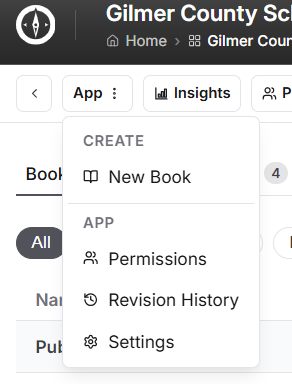
Using the three dot dropdown menu on App at the top of your page, select Permissions.
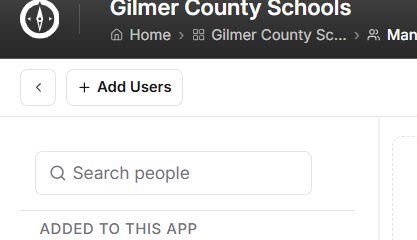
At the top of the new page, click on + Add Users.
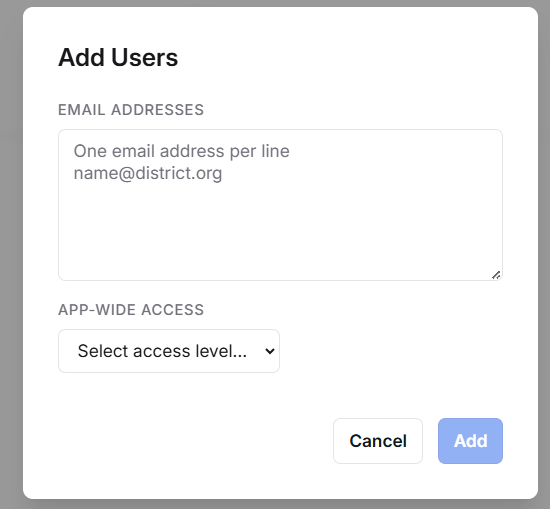
In the box that appears, enter the email address of the person being added as a user. In the Select access level field, use the dropdown menu to choose the type of user the person you are adding will be, and click Add.