.png?width=3500&height=600&name=Hubspot%20Headers%20%26%20Footers%20(5).png)
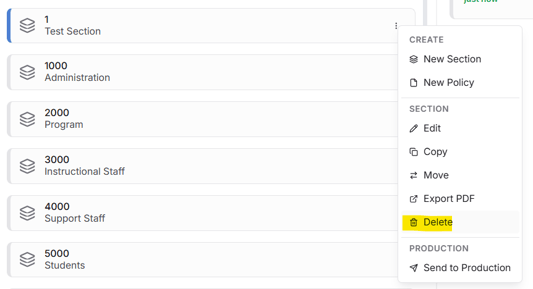
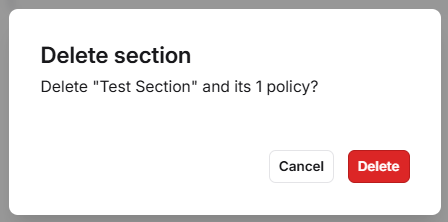
Yes - entire folders can be deleted by selecting the three dots next to a section. This will also delete the contents wherein.
In addition, policies can be deleted in bulk through the use of common keyboard shortcuts such as Ctrl A (Select All).
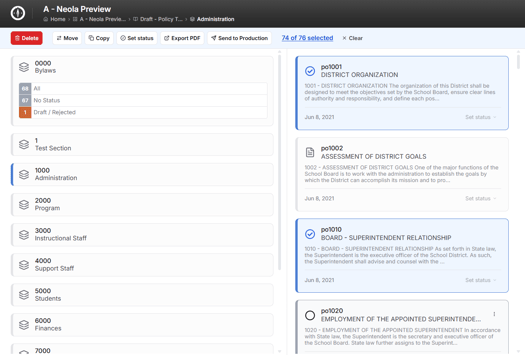
To deselect only certain policies, hold down Ctrl while selecting the policy to keep.
You can also select only a portion of a folder's contents using the shift key and dragging the mouse over the desired section or by individually clicking policies by hovering over the document icon next to each number.
Once the desired material is selected, click the red delete button in the top lefthand corner.